
Hedgerwyn Functions: What the Service Makes Available
This page describes the specific capabilities of the Hedgerwyn service — the tools and information-handling features that form the basis of the platform's offering.
Structured Data Review
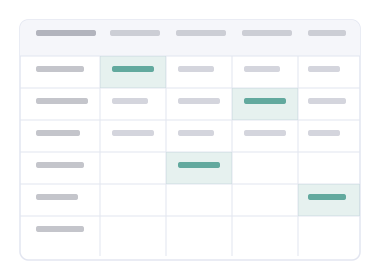
Hedgerwyn provides an organised view of available data within its interface, allowing users to review information in a structured format. Entries are grouped by category and presented with clear labels to support straightforward reading and navigation.
This capability is designed for users who need to examine available information before deciding on next steps. The review environment does not modify data and does not imply any particular interpretation of what is shown.
Information Organisation
The platform classifies and arranges reference material into clearly delineated sections. This organisation is intended to reduce the effort required to locate relevant guidance and to present related material together in a logical sequence.
Users can move between organised sections without losing context. The arrangement reflects the typical questions users bring to the service, not a fixed hierarchy imposed without regard to how the information will be used.
Interface Navigation
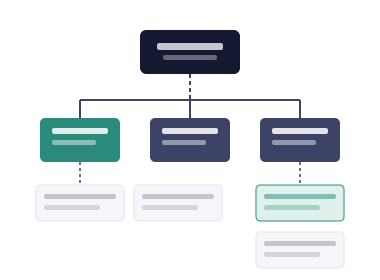
Hedgerwyn offers a clear, navigable interface through which users can move between reference areas, locate specific information, and reach the enquiry form without unnecessary steps. Navigation elements are labelled consistently and behave predictably.
The interface is designed to remain usable on a range of screen sizes. No specialist configuration is required to use it, and the navigation structure is explained in the Reference Guide for users who want a detailed walkthrough.

Enquiry Handling
The platform provides a structured contact form through which users can submit access requests, general questions, or requests for clarification. Submitted forms are directed to the Hedgerwyn support team, who review each submission individually.
The team may ask for additional information before responding. Where an enquiry cannot be handled directly, the user is informed of the appropriate next step. Visit the Enquire page to submit your request.

How the access process works
Four steps take you from initial interest to an active exchange with the support team.
Read the reference material
Start with the Overview and Functions pages to understand what Hedgerwyn offers and whether it suits your requirements.
Prepare your enquiry
Decide what type of request you are making — a general question, a request for access, or a request for clarification — and note any relevant details.
Complete the contact form
Fill in the form on the Enquire page with your name, email address, request type, and message. The form opens your email client to send the submission.
Await the team's response
The support team reviews submissions individually and contacts you if further information is needed. Access is not confirmed automatically by submitting an enquiry.